English
Login

One-click print

Relevant for

SL1
MINI
MINI+
Article is also available in following languages
English
Čeština
Polski
Deutsch
Français
Español
Italiano
日本語

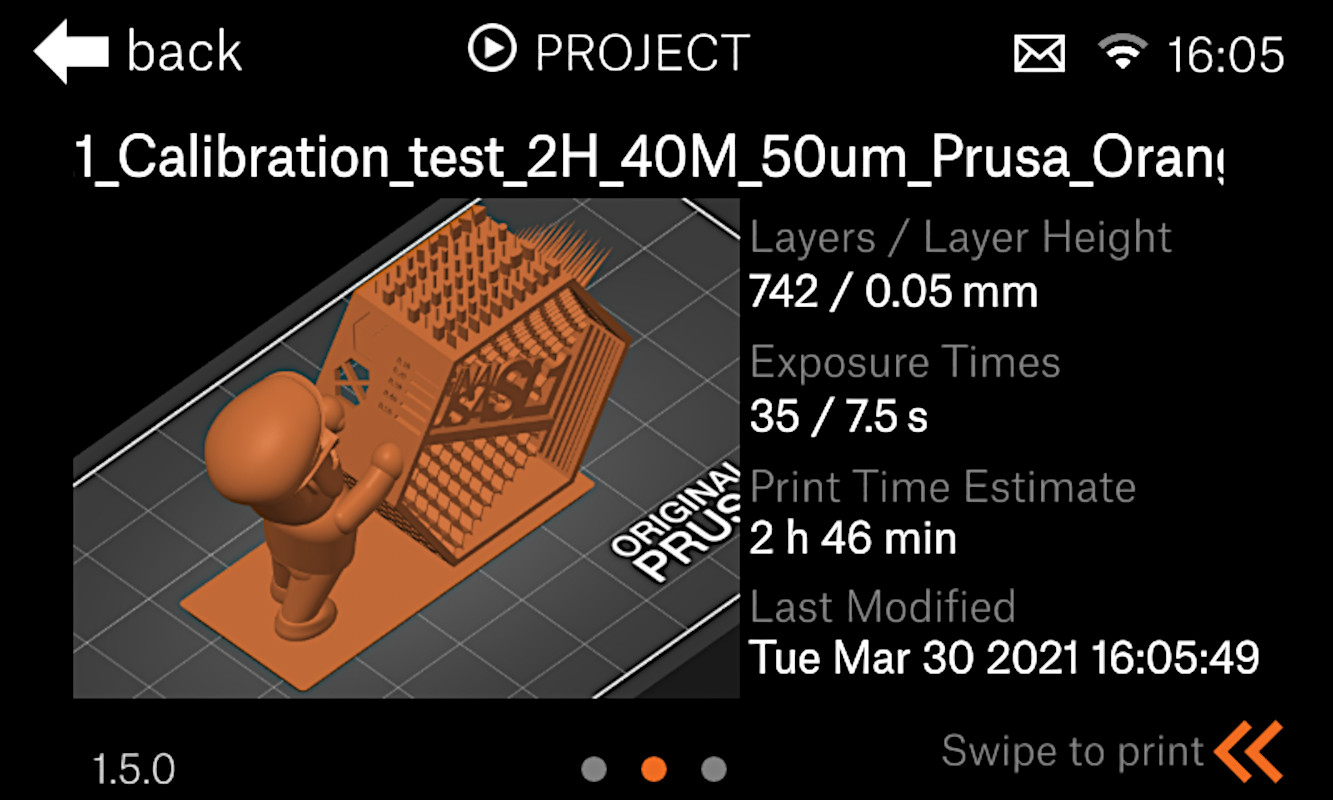
Both the Original Prusa MINI+ and the SL1 offers a user-friendly feature where the printer automatically displays the project ready for immediate print if:

It will show you a thumbnail picture and other information regarding your print, like duration and settings.
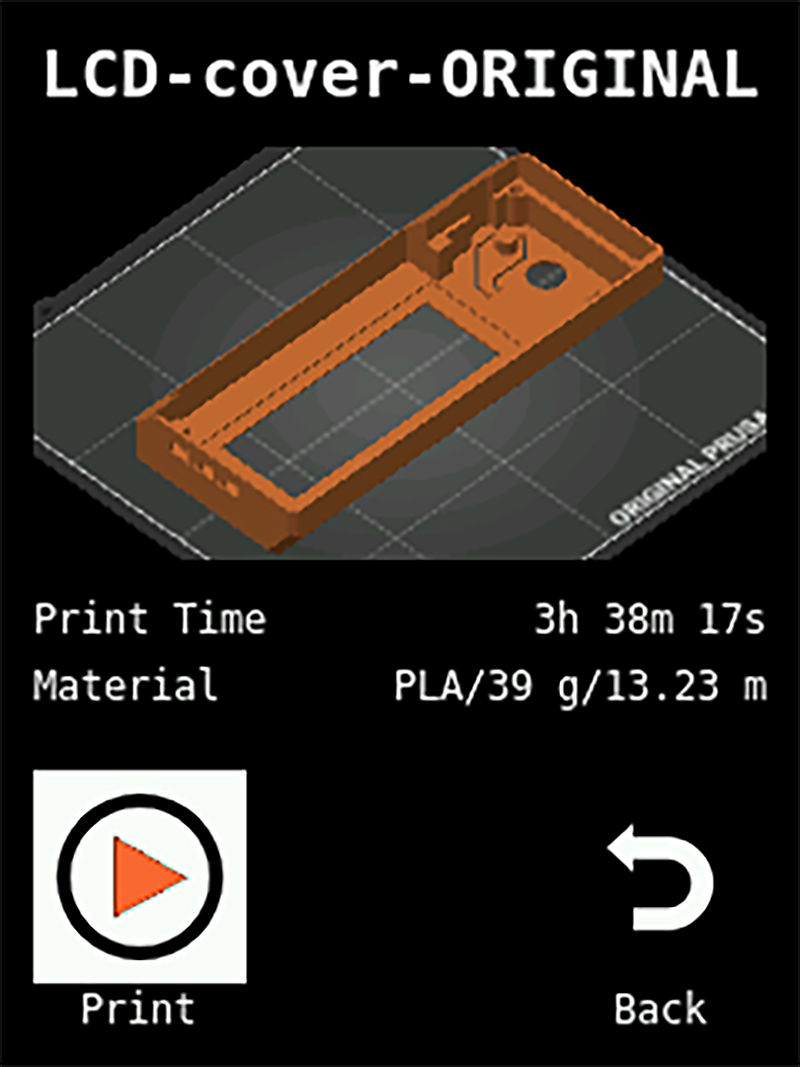
The G-code must be sliced by the latest version of PrusaSlicer, so older G-codes might not have this functionality. To fix that, just slice the model in the latest version of PrusaSlicer.
Was this article helpful?
This action is available only to registered users. Please log-in.
 

1 comment

Log in  to post a comment
AndyE
After updating to PrusaSlicer 2.4.0, the preview screen on my Mini+ is showing "NA" for the Print Time and Material values. Where the graphic above says "3h 38m 17s" mine says "NA". Where the graphic says "PLA/39 g/13.23 m" mine says "NA". Files sliced in the previous version show actual values. Any idea what could be causing this?