


Contents
Printer maintenance
- How to replace the main cable (CORE One/+)
- How to install the Nextruder V6 Nozzle Adapter (CORE One)
- How to replace Heatbed (CORE One)
- How to replace Heatbed Thermistor (CORE One)
- Buddy3D Camera for CORE One Installation
- How to replace Z motors (CORE One)
- How to replace the Prusa Nozzle (CORE One)
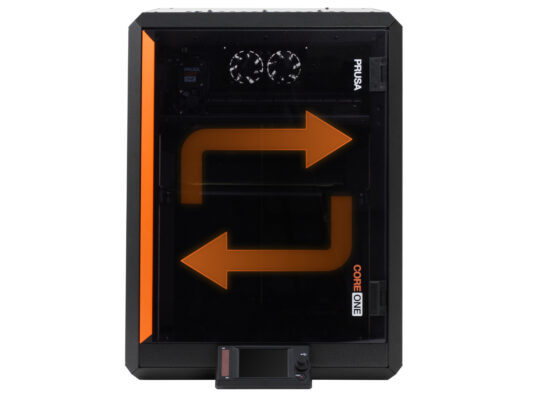
- How to reverse the door orientation (CORE One)
- How to pack the Prusa CORE One for return - Original Packing material
- How to install Advanced Filtration (CORE One)
- How to pack the Prusa CORE One for return - Custom Packing material
- How to replace the xBuddy board (CORE One)
- How to replace Hotend fan (CORE One)
- How to replace Nextruder Filament Sensor (CORE One)
- How to replace Heatsink NTC Thermistor (CORE One)
- How to replace Hotend Heatsink (CORE One)
- How to replace X and Y Motors (CORE One)
- How to replace the print fan (CORE One)
- How to replace the Heatbed Power Cables (CORE One)
- How to replace the Chamber fan (CORE One)
- How to replace a Hotend Thermistor (CORE One)
- How to replace a Hotend Heater (CORE One)
- How to replace the Belt Tensioner Pulley (CORE One)
- How to replace the Belt Tensioner Left (CORE One)
- How to replace the Belt Tensioner Right (CORE One)
- How to replace Loveboard (CORE One)
- How to replace a hotend assembly (CORE One)
- How to replace the door sensor (CORE One)
- How to replace the side filament sensor (CORE One)
Comments
Log in to post a comment
No comments