How to use Prusament Refill 900g
How to replace the filament sensor (HT90)
Unpacking the printer (HT90)
How to install the Camera dummy module (HT90)
How to replace the door (HT90)
How to lubricate linear bearing rails (HT90)
How to replace HEPA filter (HT90)
How to clean external filters (HT90)
How to replace the desiccant in the Prusa Pro Filament Drybox
How to replace a high-temperature nozzle (HT90)
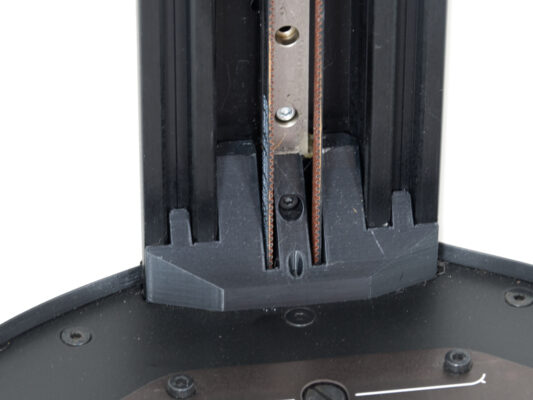
How to tension the belts (HT90)
- Begin assembly
- Introduction
- Tools necessary for this chapter
- Printer preparing
- Positioning the belt tension meter
- Tensioning the belt
- All done!
How to assemble the spool holder (HT90)
How to replace external input fuse (HT90)
How to replace the LCD control panel (HT90)
How to replace the PTFE Bowden tube (HT90)
How to lubricate the magballs (HT90)