Relevant for


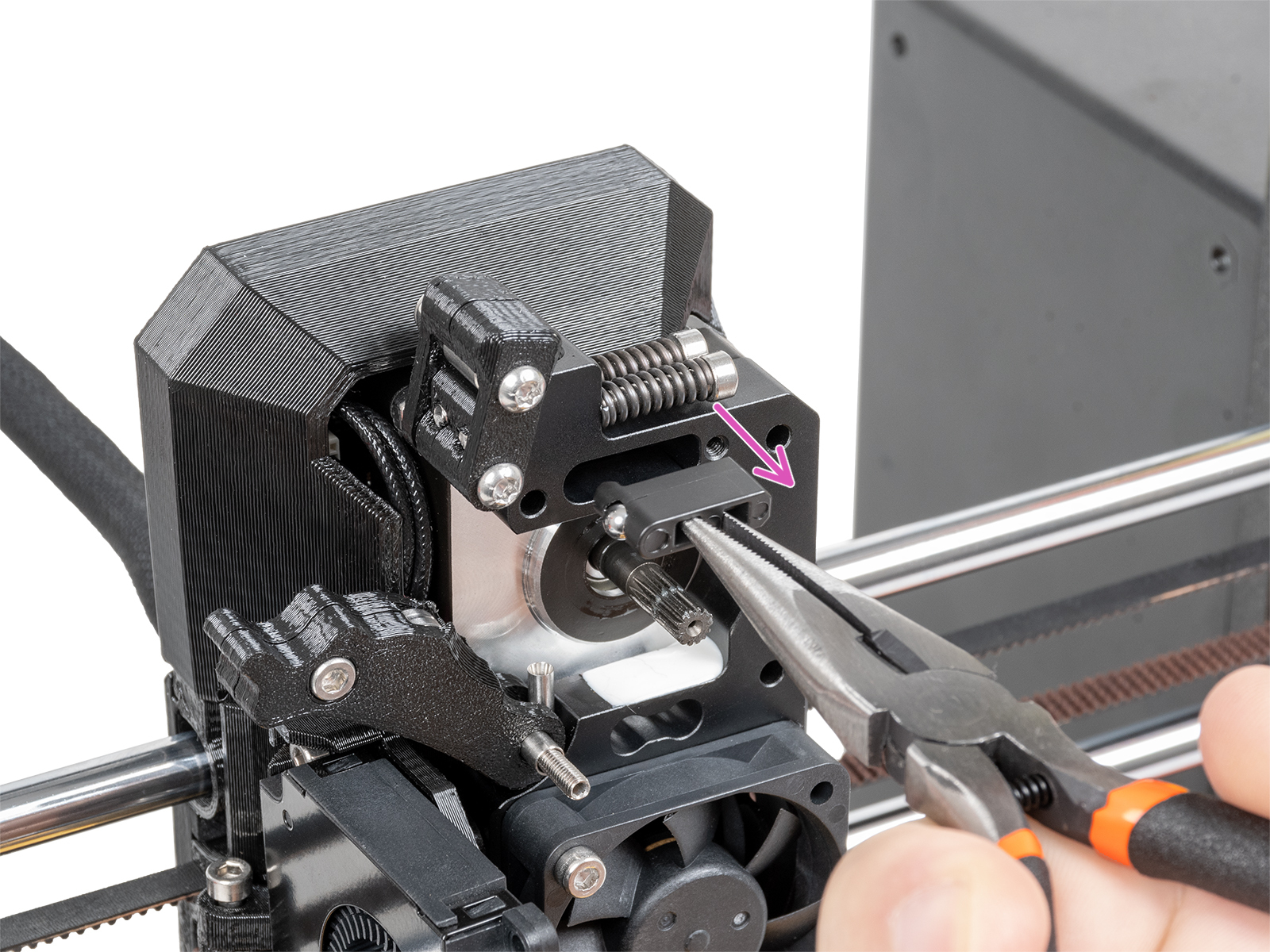
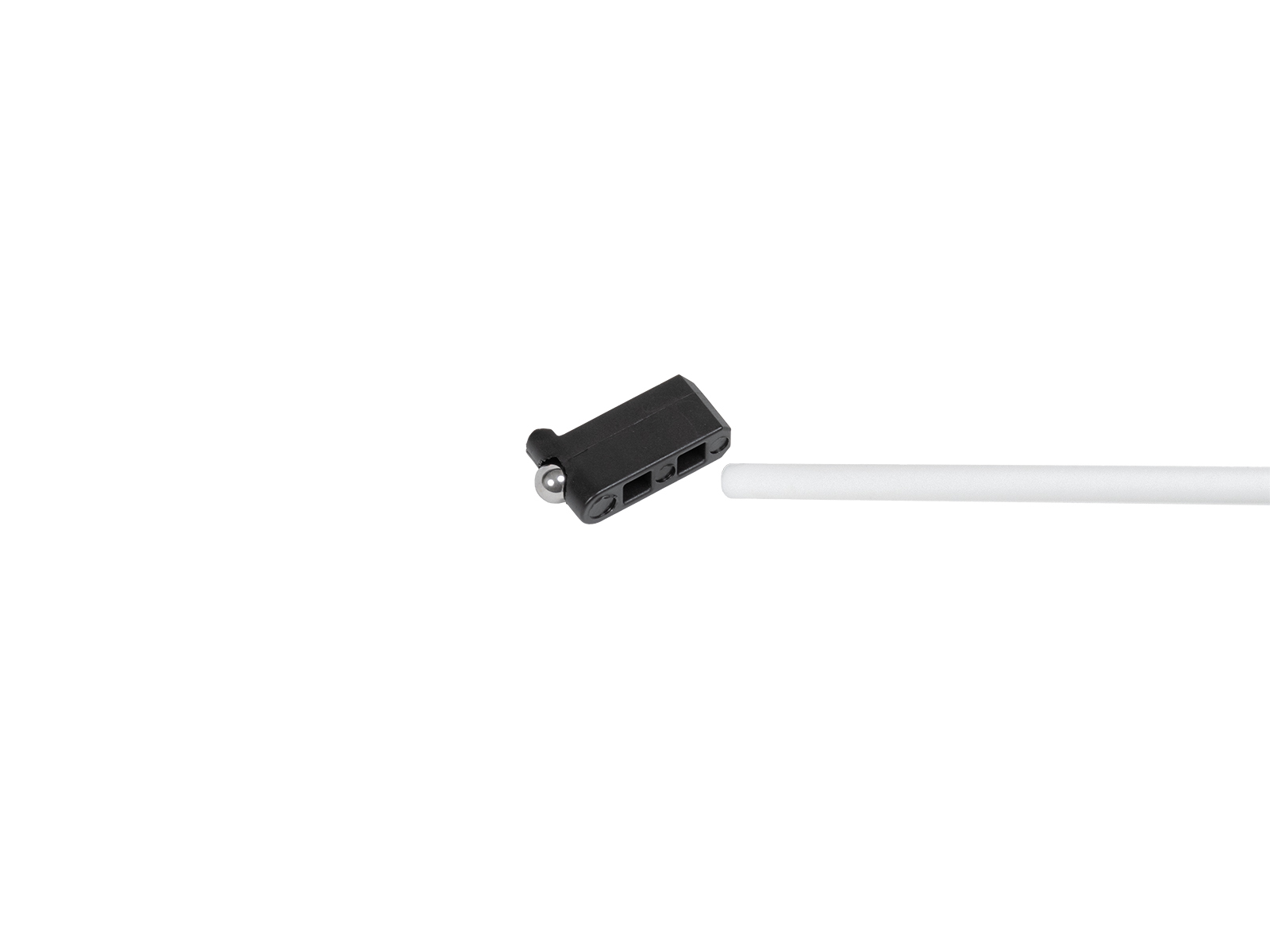
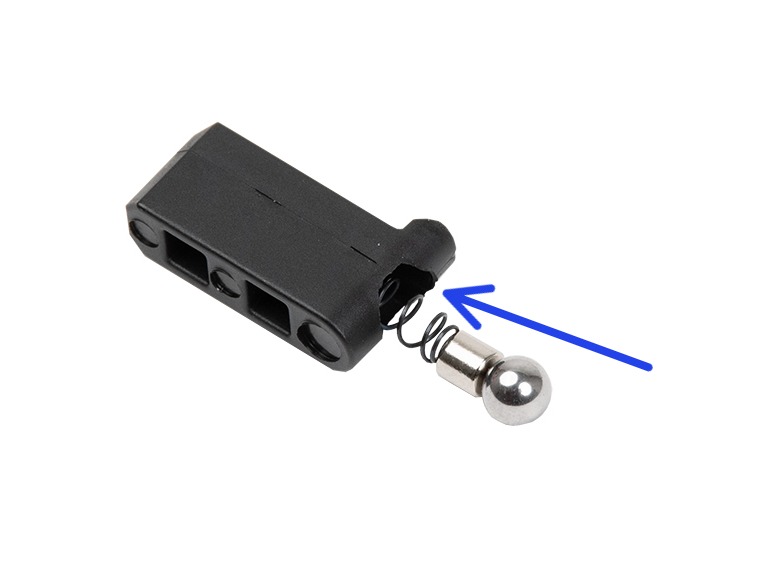
The filament sensor equipped on our Nextruder printers detects the presence of a filament and filament run-out. The sensor is a Hall sensor, triggered by a mechanism composed of a spring, a magnet, and a ball.
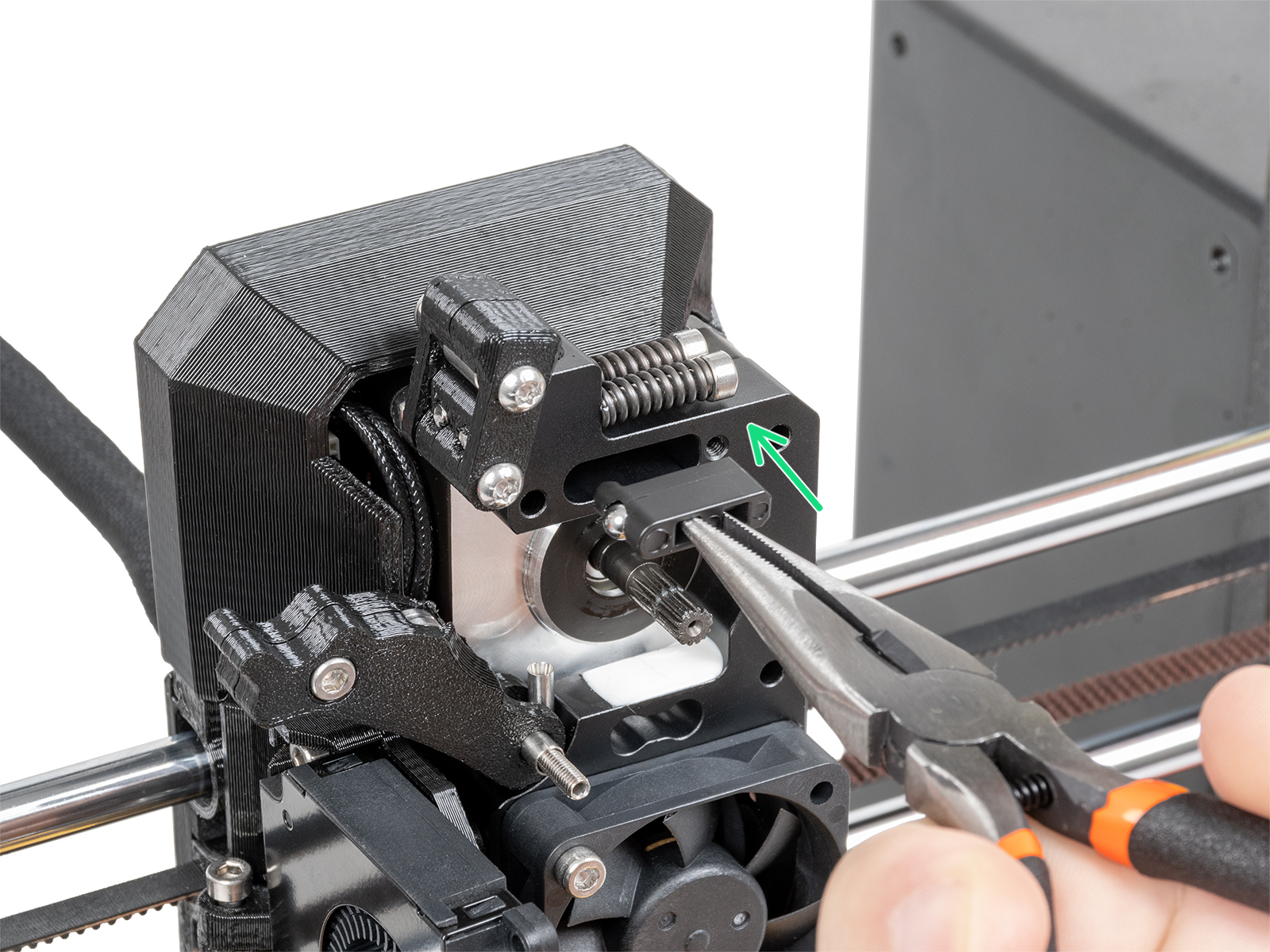
On printers upgraded to the Original Prusa MMU3, some of the Nextruder components are modified, including the mechanism that triggers the filament sensor. In these printer versions, the mechanism does not rely on a system of spring, magnet, and ball, but is based on the idler tension bolt.

If your printer is an MK4 or MK3.9, you have received a package with magnets for the assembly. On MK4S and MK3.9S, as well as CORE One and XL, this subcomponent comes pre-assembled in the heatsink.
Note that two magnets are sent, but one is meant to be used in the assembly, and the other is a spare. If your filament sensor does not work, check if two magnets have not been added by accident.
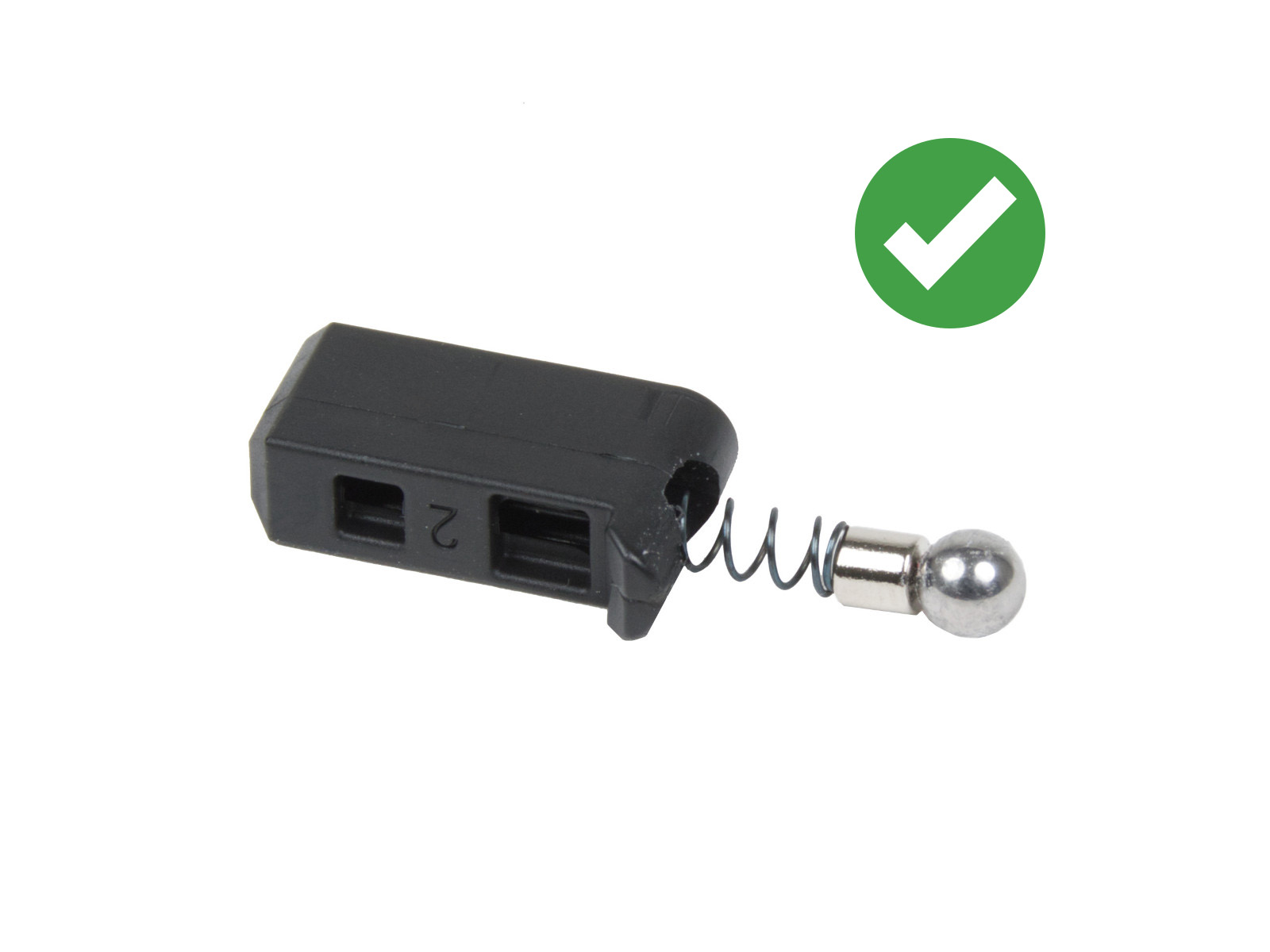 | 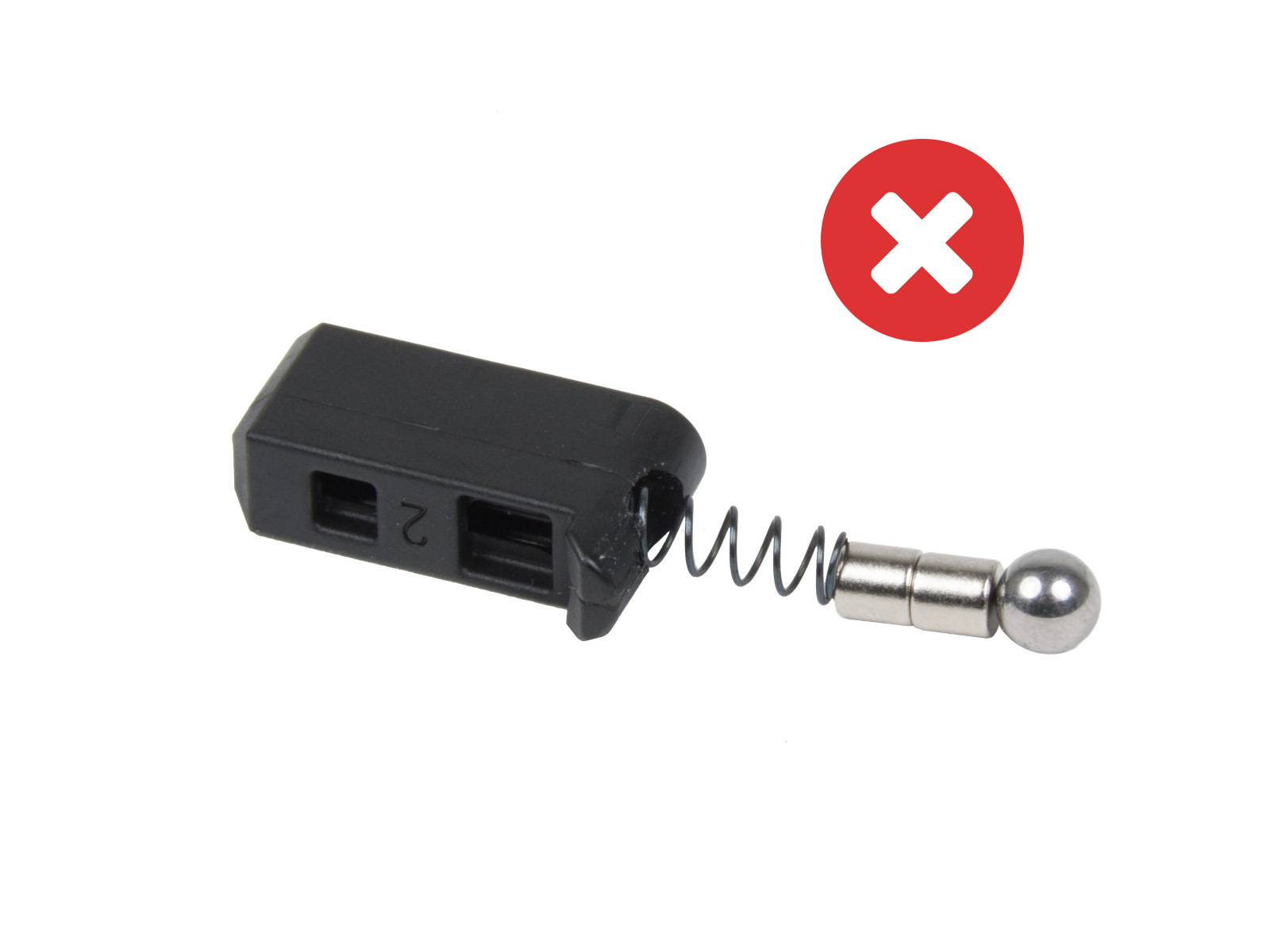 |
When the MMU3 is installed on the MK3.9/S or MK4/S, the Prusa-ball-holder is replaced by a swivel assembly. If you have the MMU modification in your extruder, the steps below still apply, but are applied to the swivel assembly whenever the Prusa-ball-holder is mentioned.
During usage, filament residue might build up around the sensor or its mechanism, possibly causing false readings and thus malfunctioning.
At the top of the extruder is a small hole, insert the tip of a compressed air can in the hole. With your free hand, prepare a bit of filament with a non-stringy tip. Repeatedly insert and remove the filament from the extruder, while blowing the compressed air. This will dislodge the build-up debris.
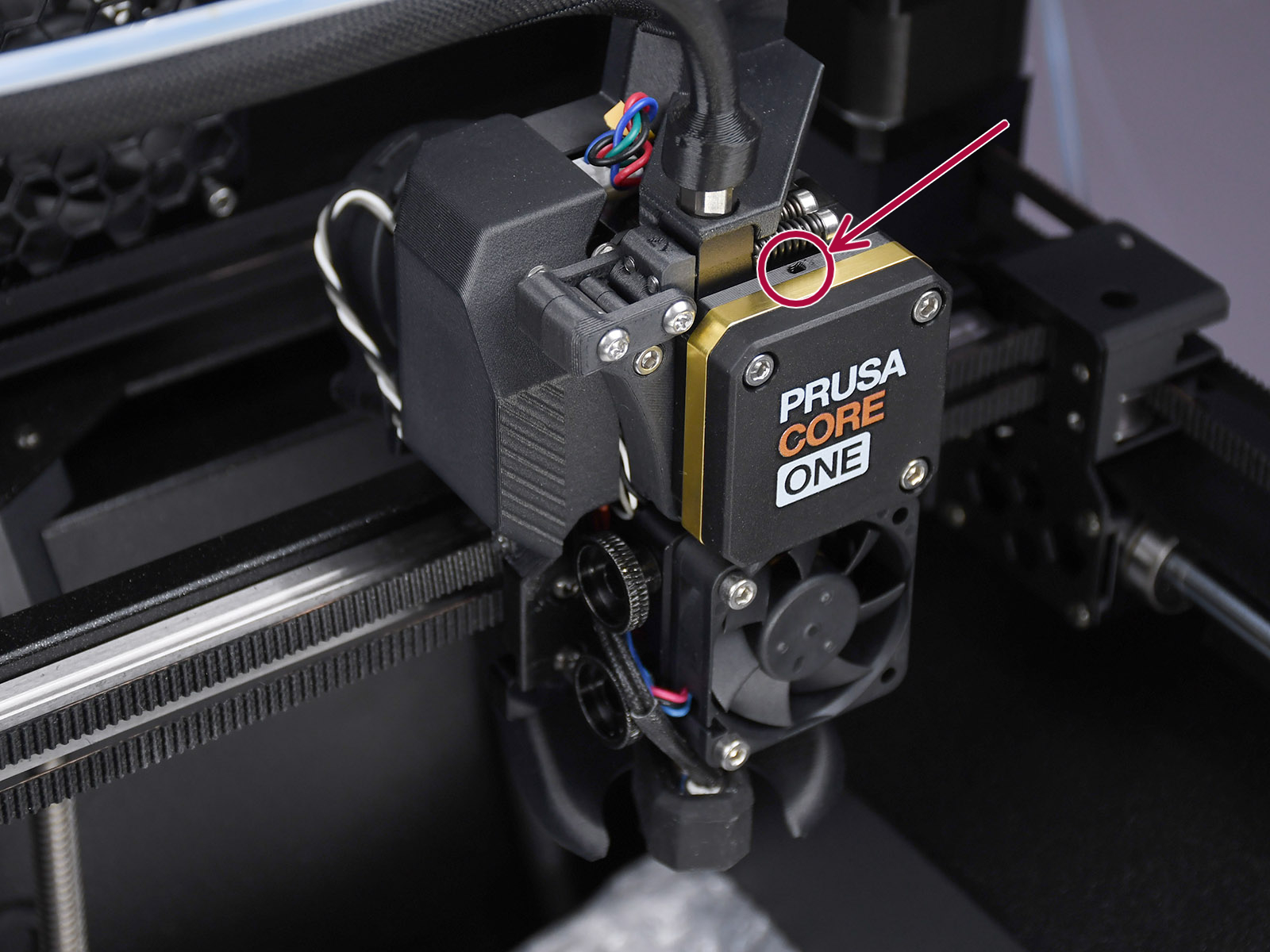 | 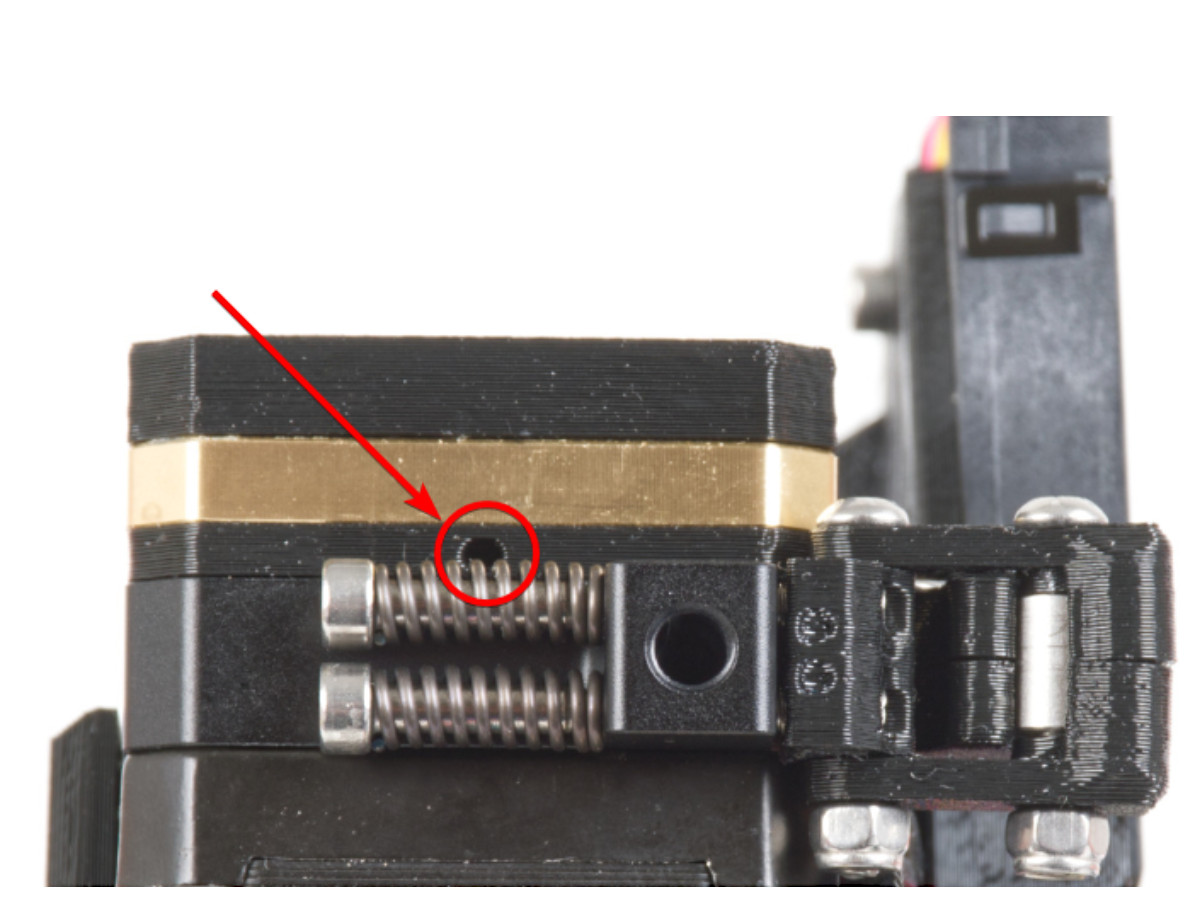 |
Top view of the CORE One (left) and MK4 (right) print head. The XL print head has a similarly positioned small hole.
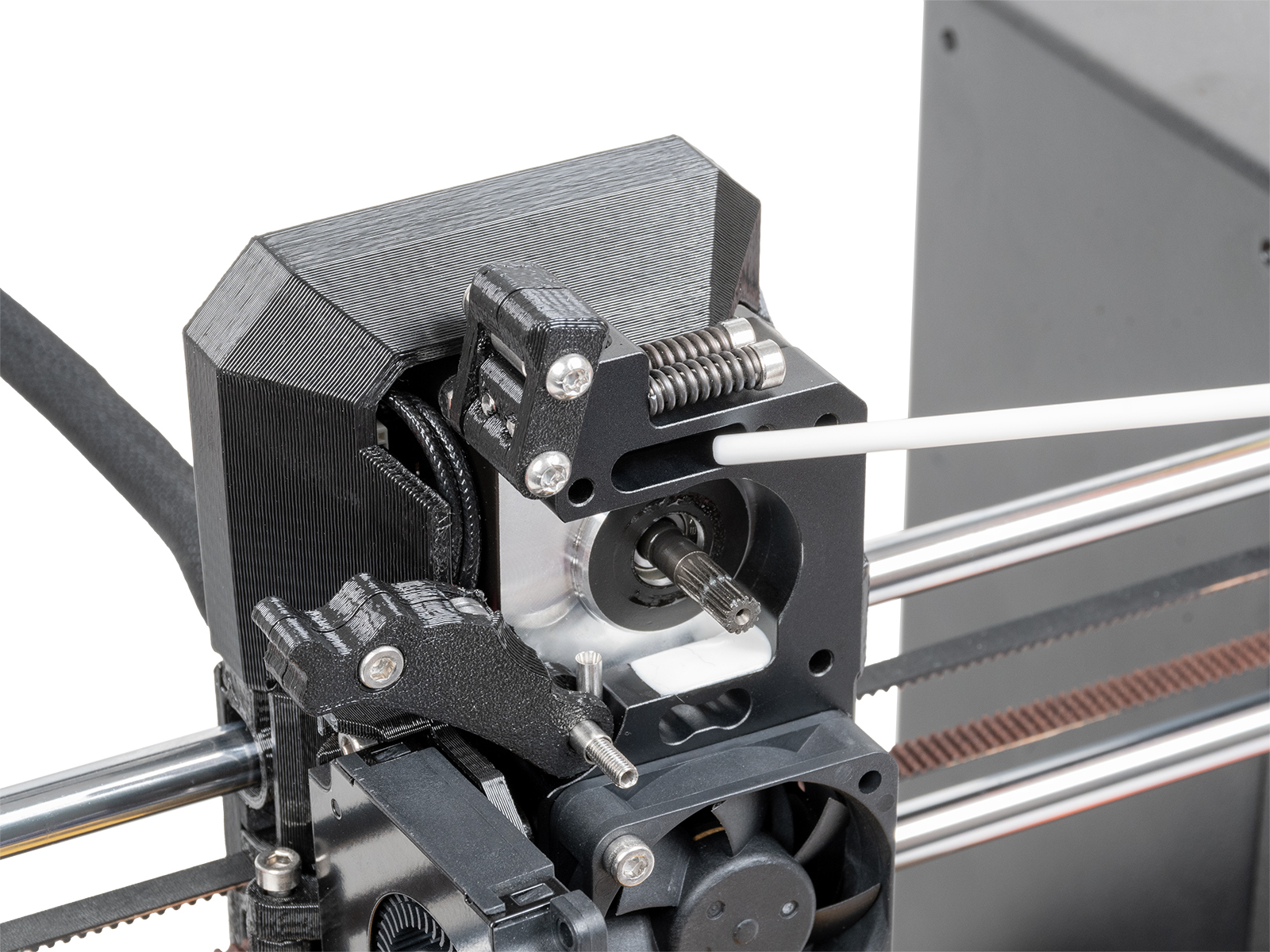
In case you don't have compressed air at hand, a similar procedure to the one above can be attempted.
Prepare a bit of filament with a non-stringy tip. Repeatedly insert and remove the filament from the extruder. It will be necessary to insert and remove the bit of filament several times to achieve good cleaning, and the technique might not always be effective.
If the previous techniques do not work, the filament sensor can be removed to be manually cleaned. This procedure requires partial disassembly of the Nextruder.
On XL, make sure the firmware version is 6.4.0 or higher, to have access to the needed gearbox alignment procedure from the printer menu. The CORE One, MK4/S, and MK3.9/S have this procedure accessible on all firmware versions.
Ensure to have the PG-assembly-adapter before continuing with the following procedure. If you do not have it, you can purchase it from our e-shop, or you can print it using the files below, depending on the printer you will use.
PG-assembly-adapter e-shop page
PG-assembly-adapter printed with CORE One, MK4/S, MK3.9/S, XL
PG-assembly-adapter printed with MK3/S/+, MK3.5/S
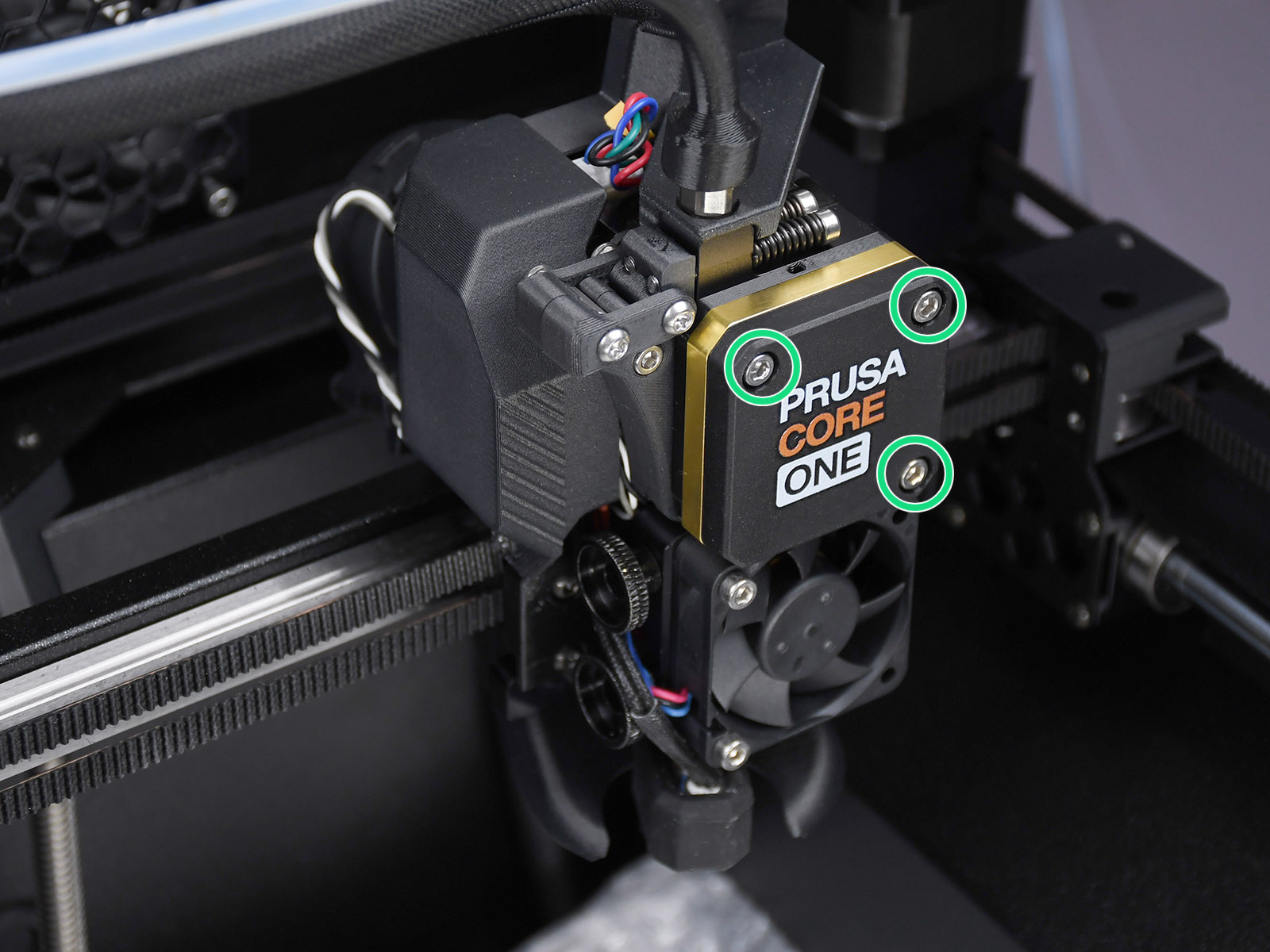 | 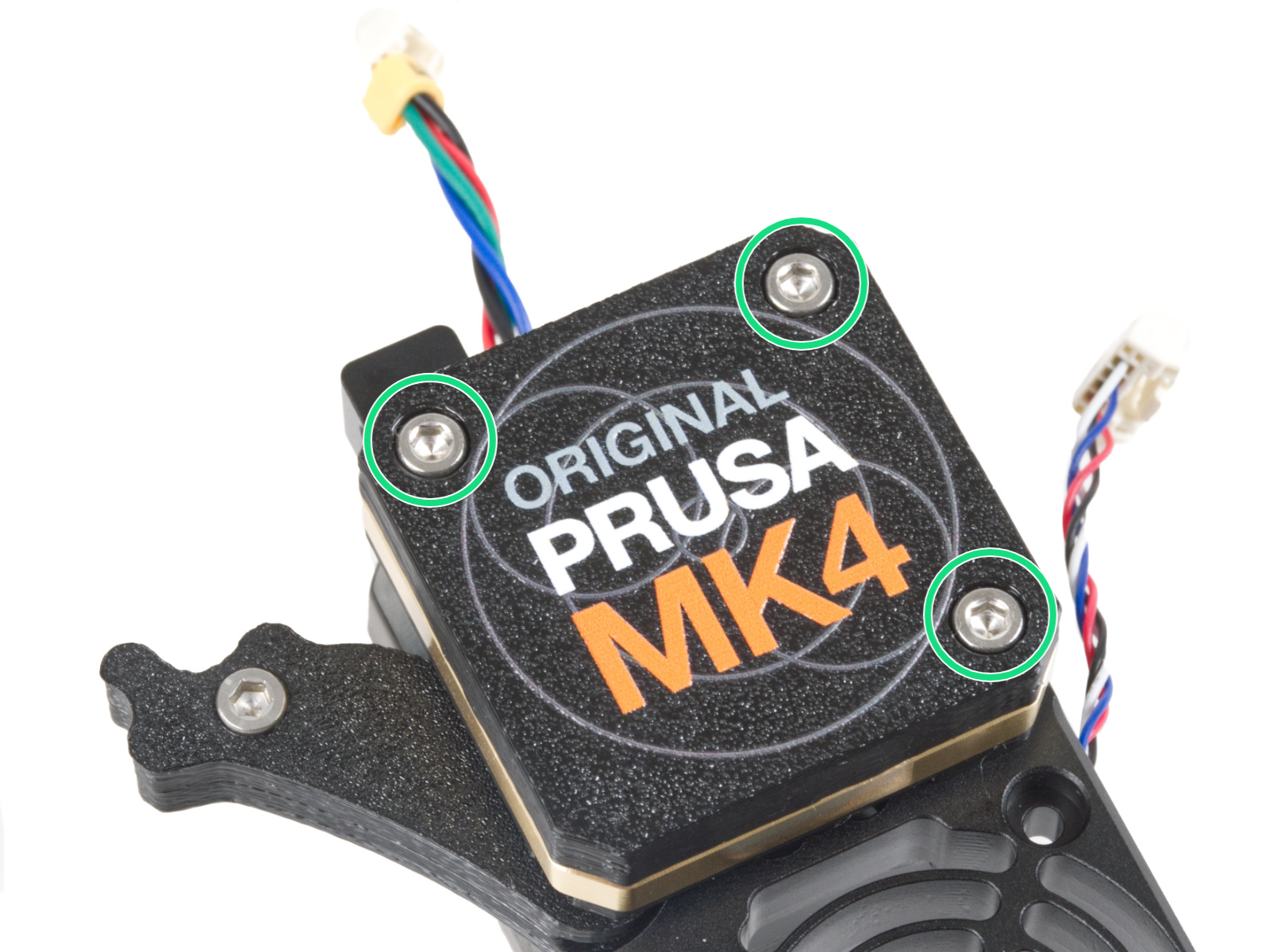 |
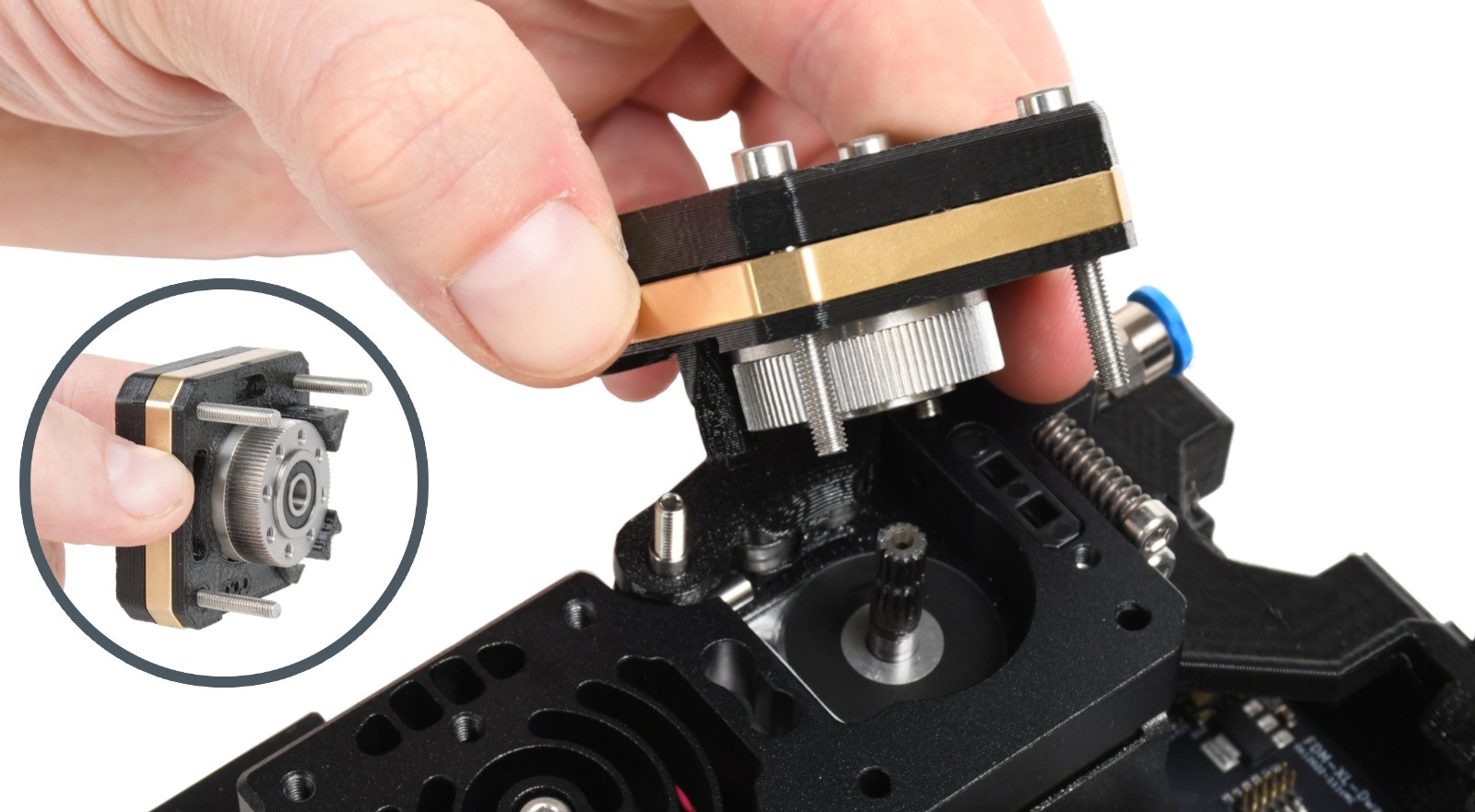 | 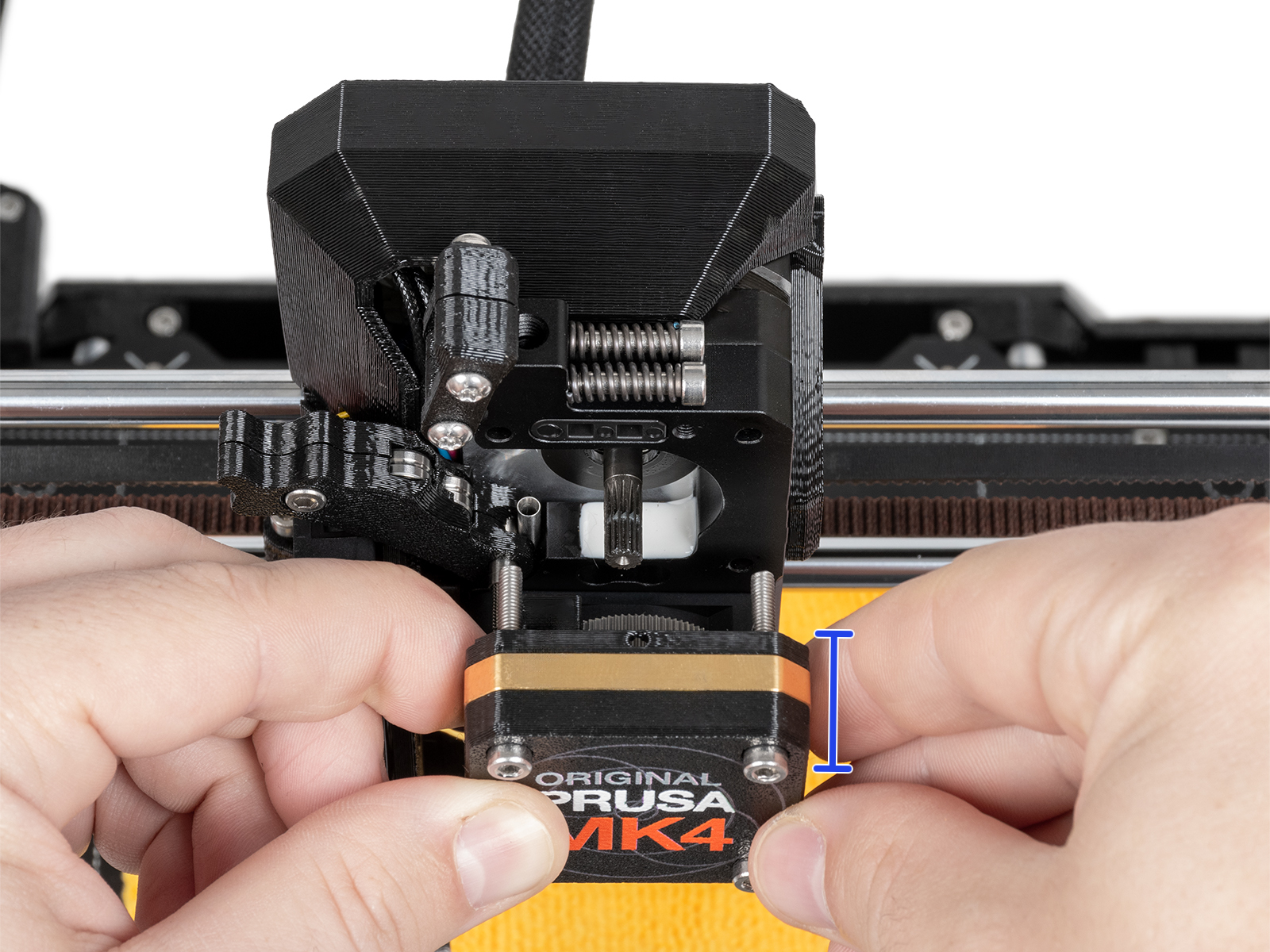 |
 |  |
 |  |
40 comments
Die Angaben hier sind für mich nicht eindeutig.
HEY PRUSA: Make the cover part have more room for the magnet. And instead of just "there's a problem" tell us WHICH sensor is having a problem and what is wrong.
Reattaching the cover only worked after moving the idler arm up otherwise the holes would not align.