


Our Prusa app offers the option of using Prusa Connect from your smartphone.
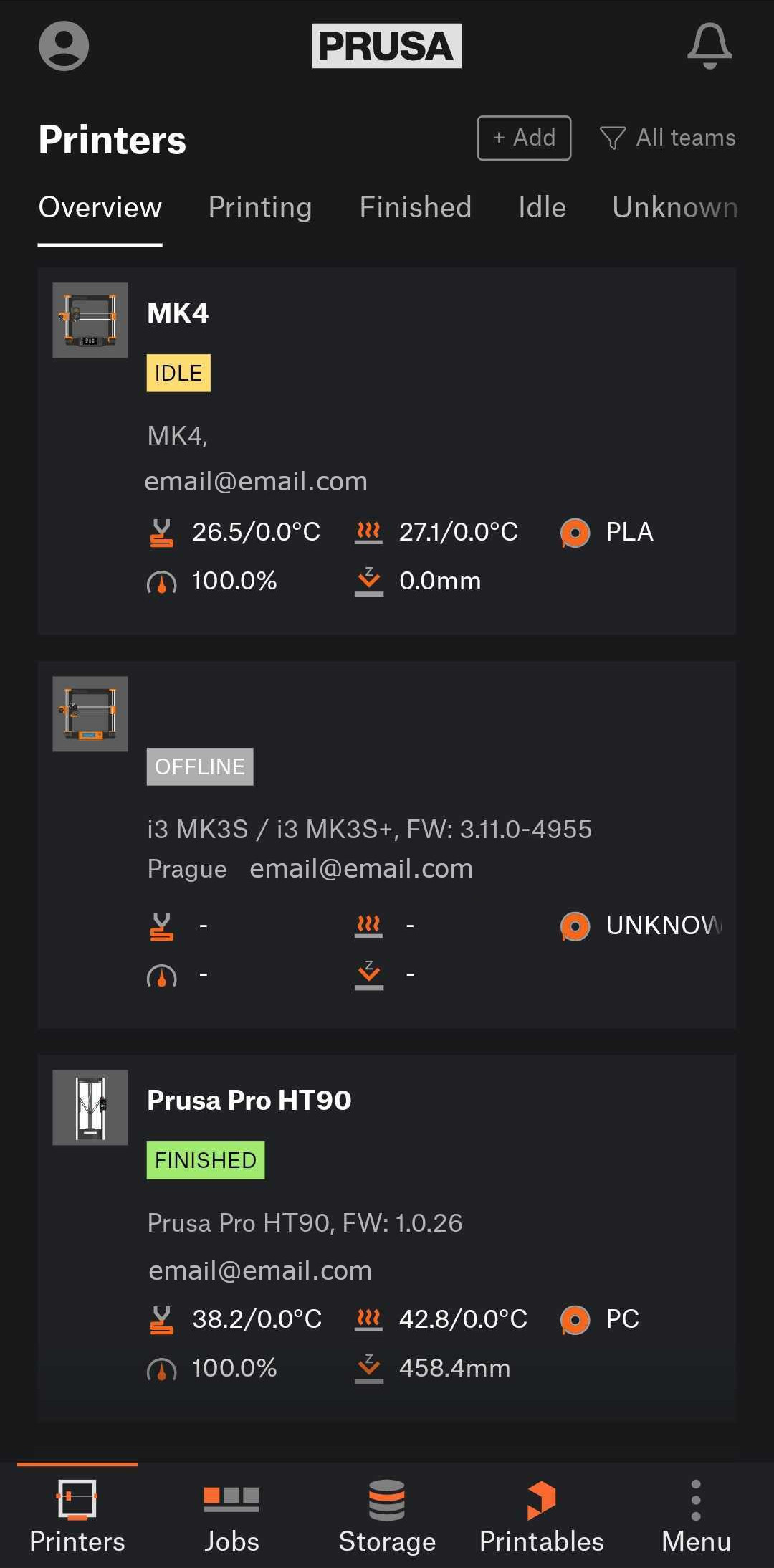
The app includes observational features for printers and teams, a basic direct print option, working with NFC, and notifications.
 |  |  |
Download
 |  |
 |  |
What can the Prusa app do?
- Printers: easy monitoring of printers and their current statuses
- Jobs: overview of current and historical print jobs, up-to-date telemetry
- Notifications: Notification of important events and statuses of your printers and jobs directly on your mobile phone, both as a "push" and a notification screen
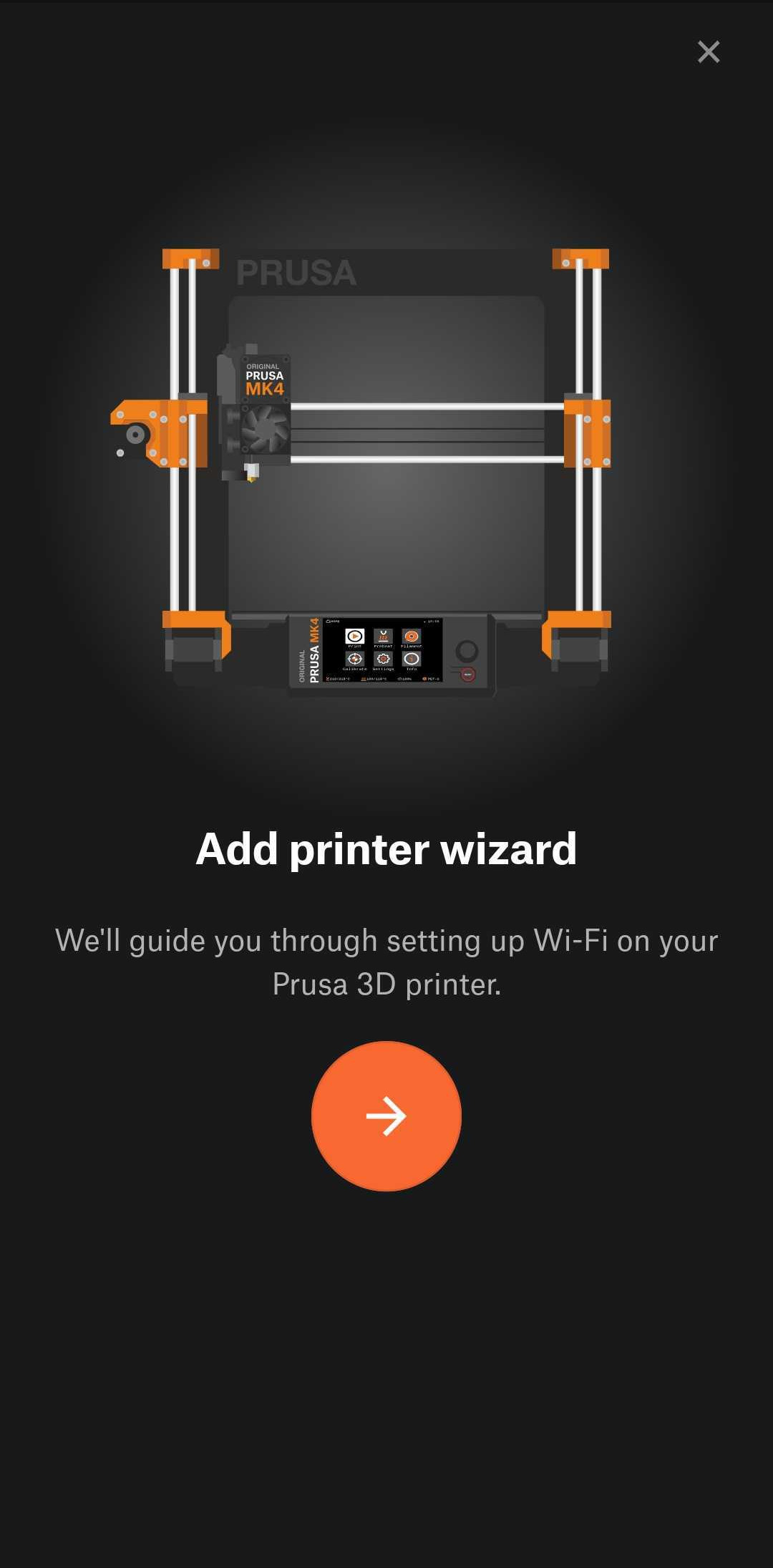
- Wi-Fi Printer Setup with NFC: Some of our models are equipped with an NFC antenna, which makes it quick and easy to set up Wi-Fi connectivity
- Adding a printer: You can easily add new printers under your account, to your team, and manage them
Features to be improved
You are welcome to try these features, but they are still being improved:
- Starting printing from the cloud: Start a print job directly from the cloud
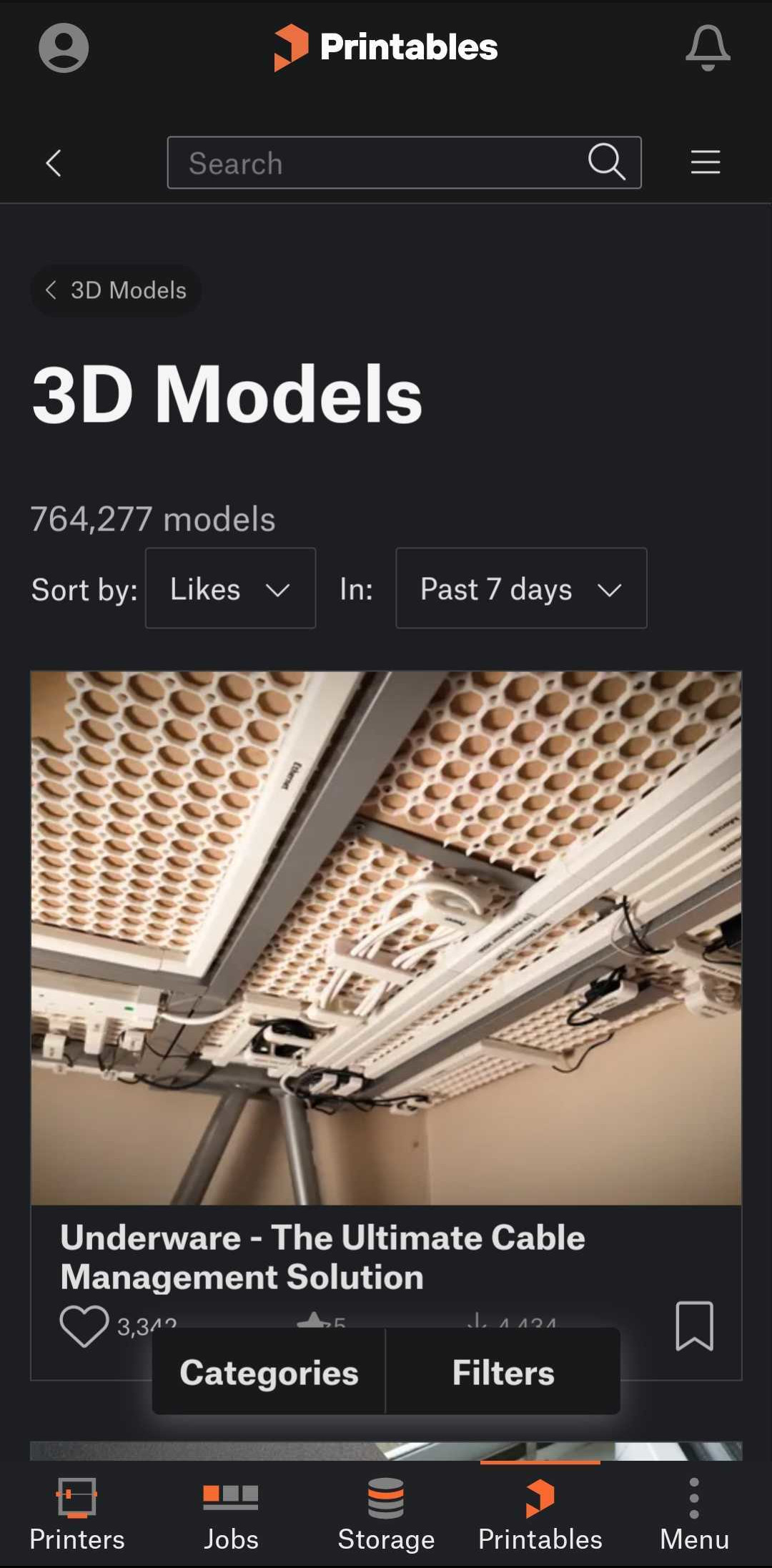
- Printables integration: Basic integration with the Printables.com platform, where you can find the model you want and directly start printing on any of your printers
Platforms
The Prusa mobile app is available on both major platforms - Apple iOS and Android to support the widest range of users.
Languages
The app is available in all major languages:
- English
- Czech
- German
- Italian
- Spanish
- French
- Polish
We are intensively developing the Prusa mobile app with new features and improving the current ones.
Was this article helpful?
This action is available only to registered users. Please log-in.
101 comments