Relevant for


This warning appears when the printer detects that the nozzle may not have a proper circular (round) cross-section. The printer shows the following message: "Nozzle doesn't seem to have round cross section. Make sure it is clean and perpendicular to the bed".
This check is part of the printer’s automatic first layer calibration routine. It can fail if the nozzle is dirty, damaged, clogged, or installed at a slight angle. A non-circular nozzle shape affects filament extrusion and first-layer adhesion.
Error name: Nozzle does not have round section
Error code: #17823 (XL) #28823 (MK3.5S) #23823 (MK3.5)
WARNING: operate with care, heated parts can cause severe burns.
Inspect the nozzle for any filament residue or hardened material on the tip. Clean thoroughly using a brass brush.
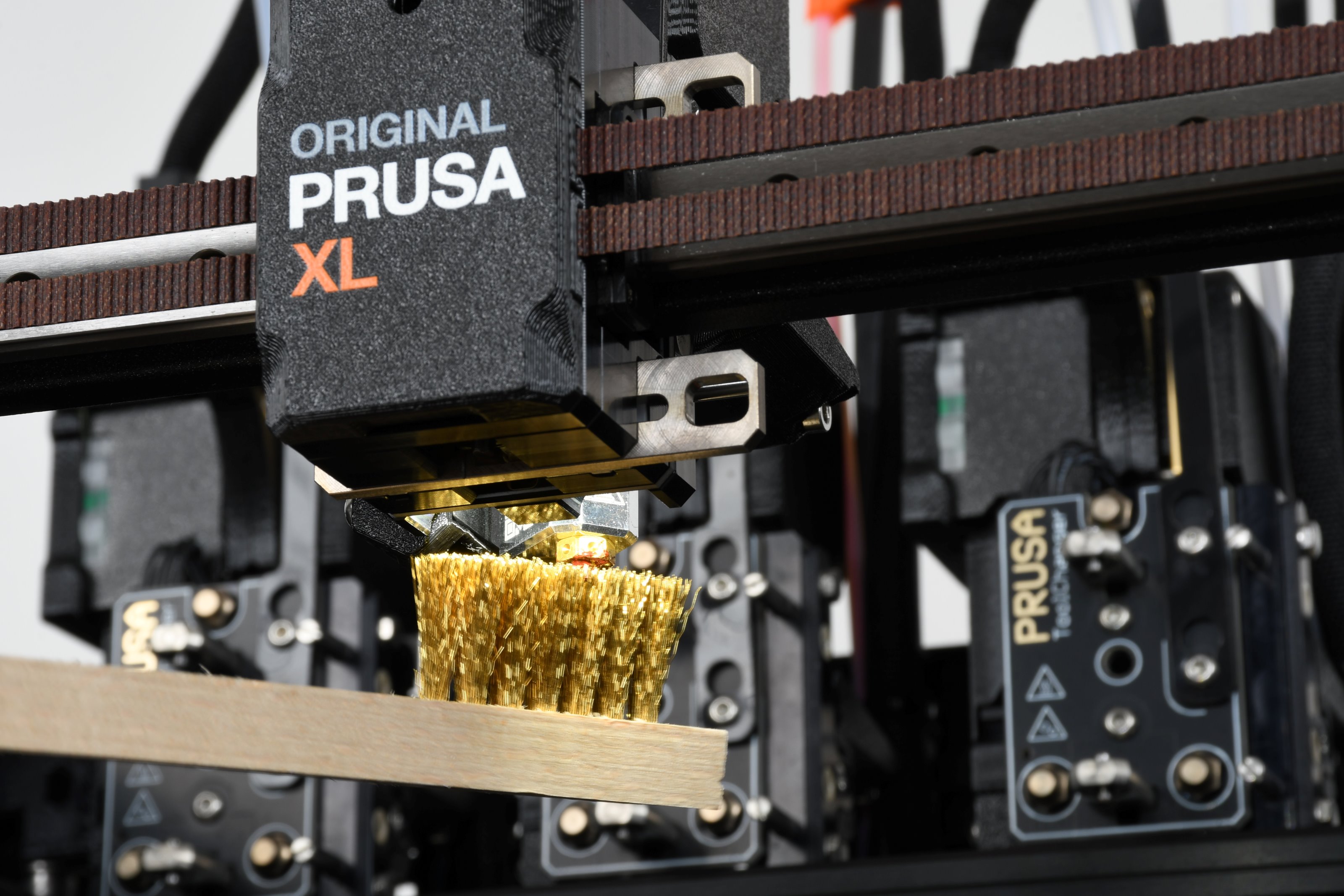 | 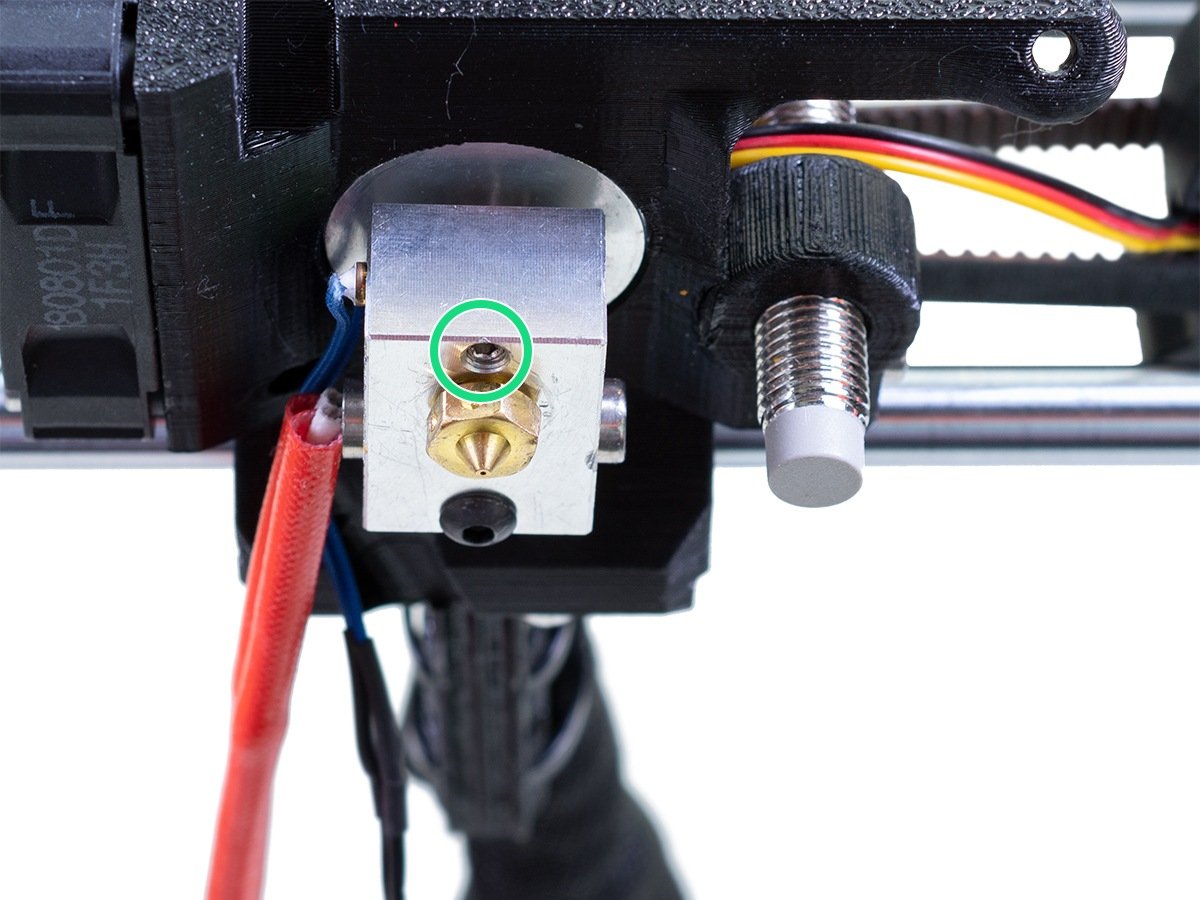 |
| Original Prusa XL | Original Prusa MK3.5/S |
On single-tool XL, after removing the x-carriage cover, hold the heater block (make sure that the nozzle is not heated!), and use the Torx TX8 key as shown in the picture to tighten the set screw. Do not use extra force while tightening, it may damage the hotend tube. The nozzle must be approximately at a 35°-40° angle to avoid damaging the hotend cables.
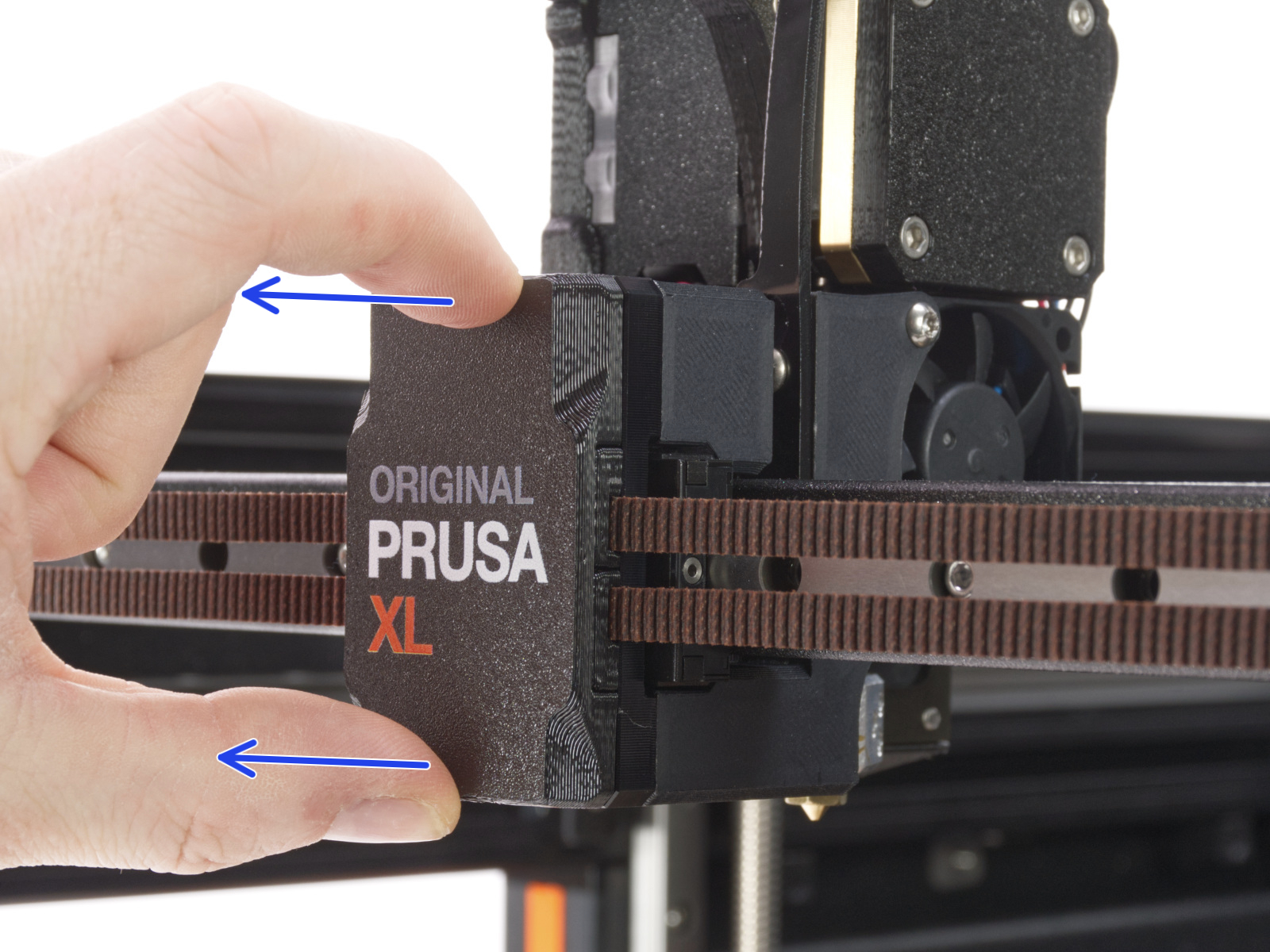 | 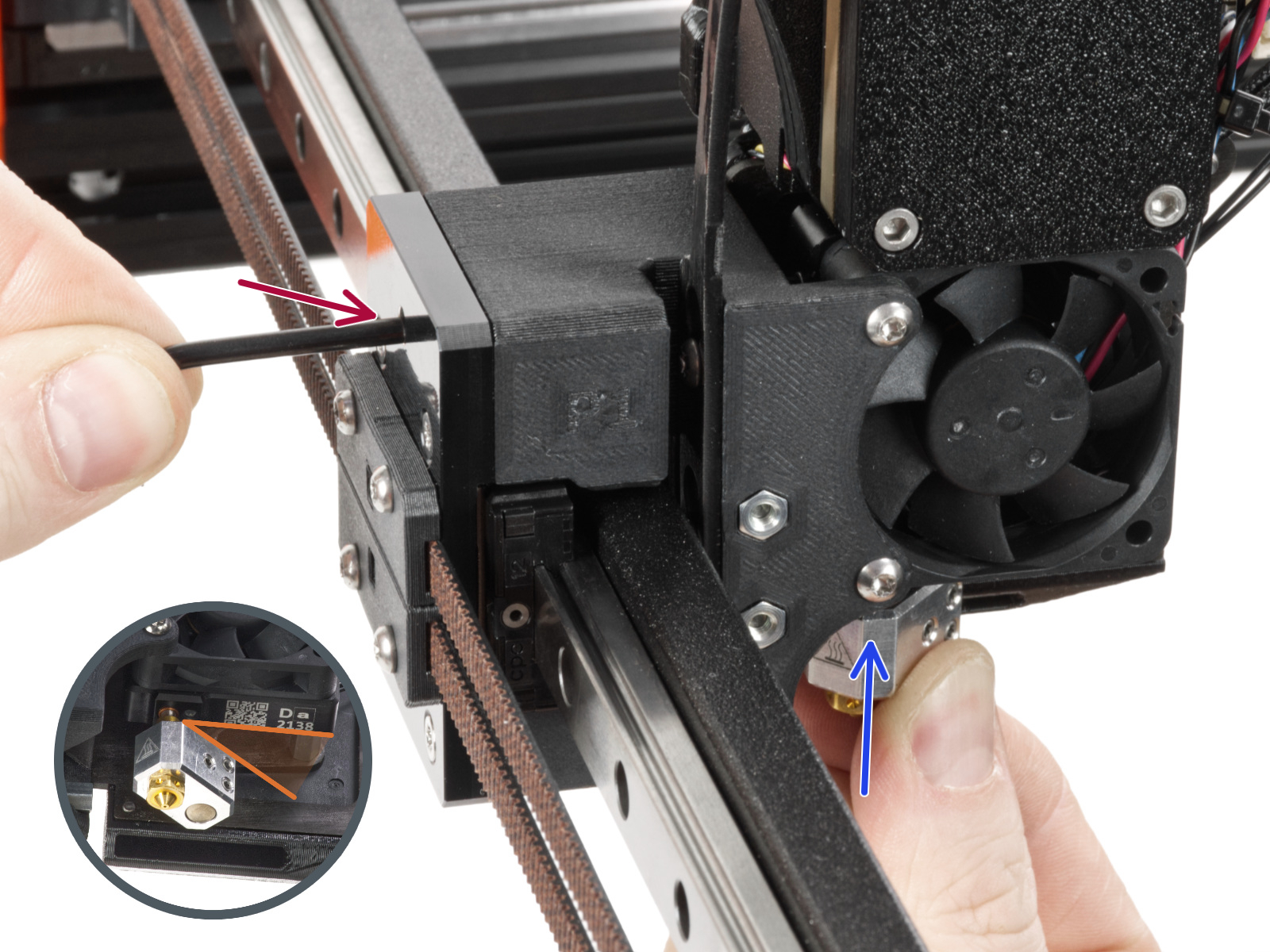 |
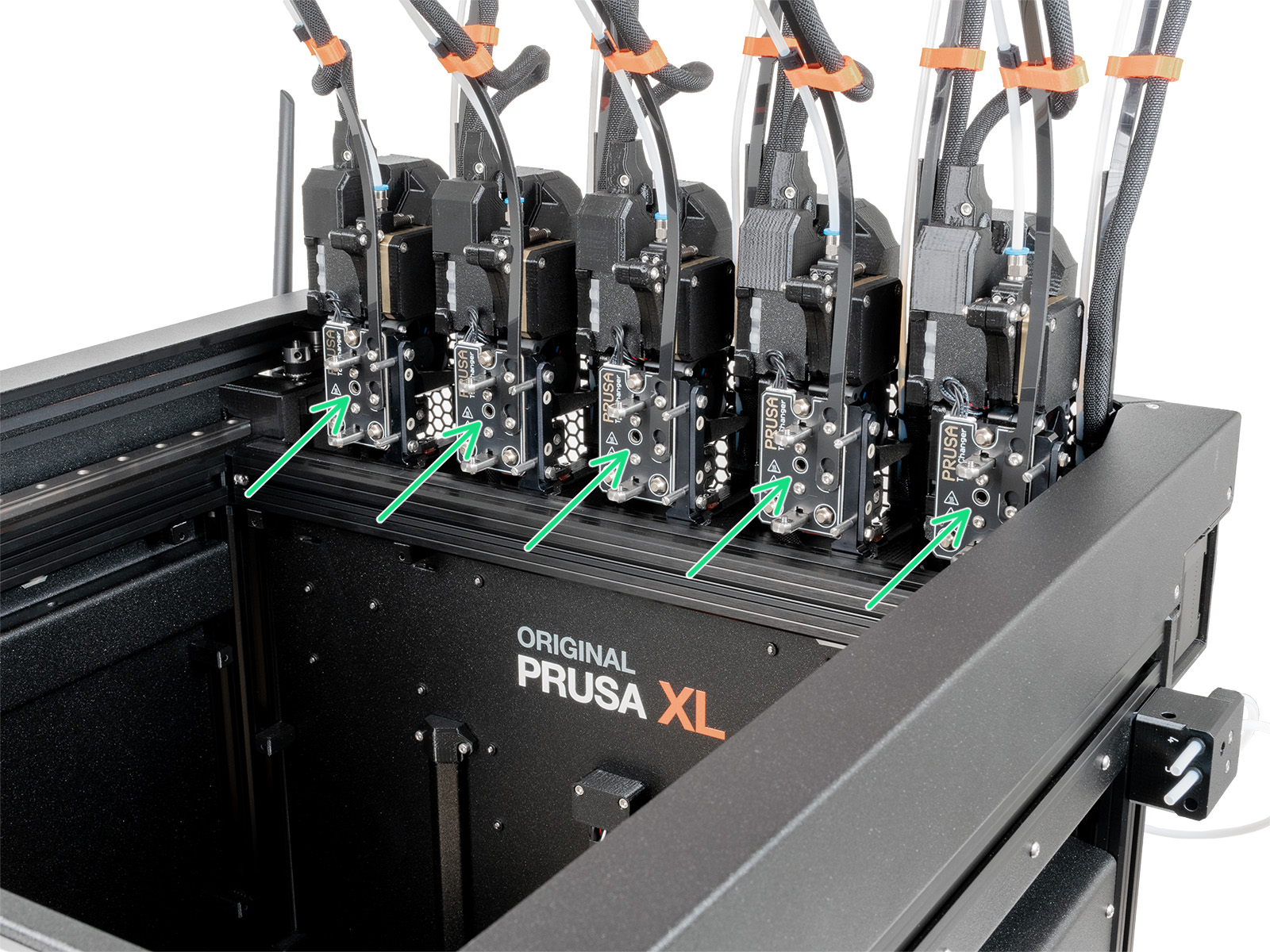
On multi-tool XL, identify the tool that has the nozzle to be checked, and park it. Hold the heater block (make sure that the nozzle is not heated!), and use the Torx TX8 key in the part shown in the picture to tighten the set screw. Do not use extra force while tightening, it may damage the hotend tube. The nozzle must be approximately at a 35°-40° angle to avoid damaging the hotend cables.
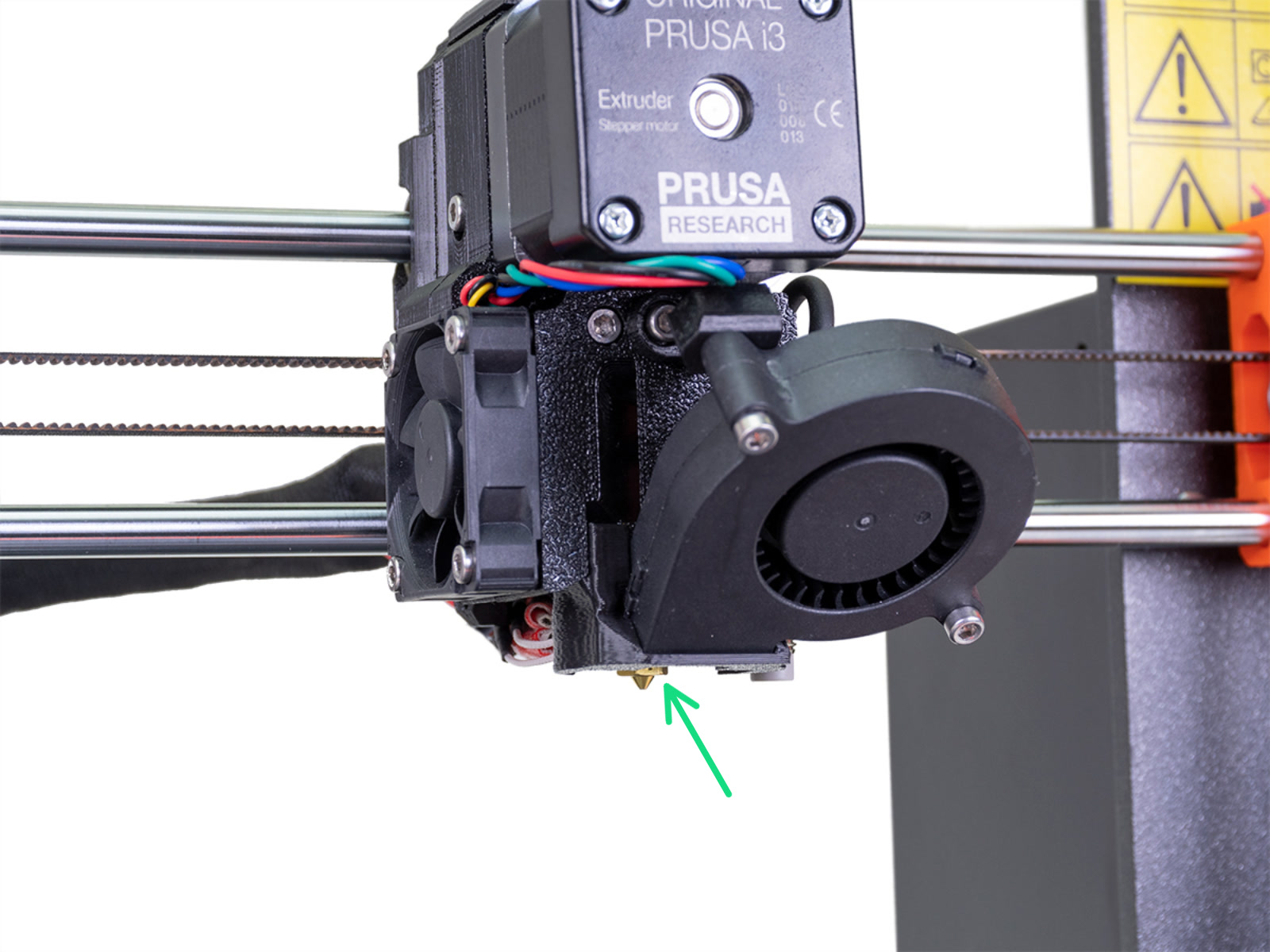
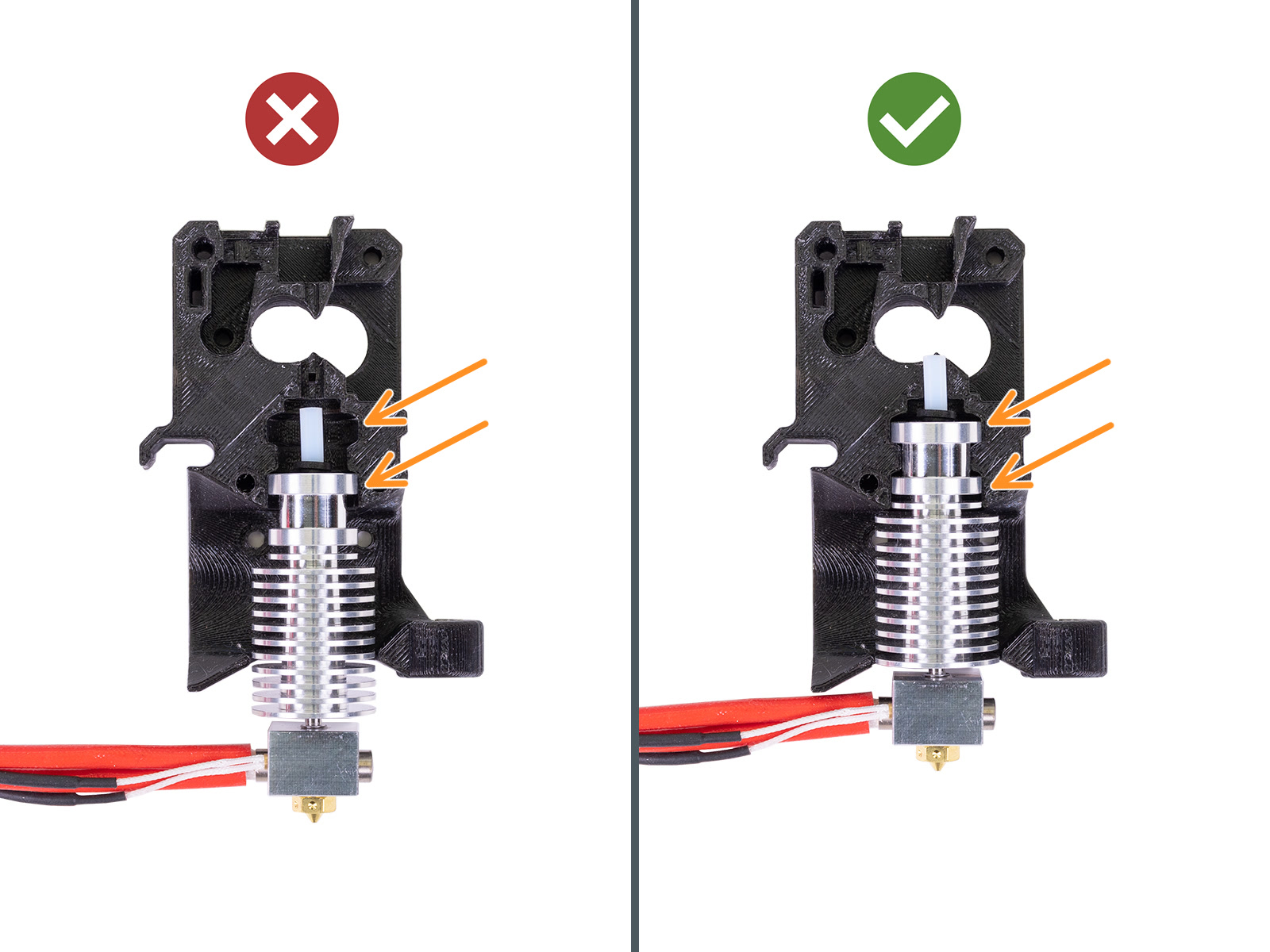
Look at the extruder from below and check the hotend position:
 |  |