Relevant for


Introduced in the firmware version 3.8.0 on the MK2.5, MK2.5S, MK3, MK3S, and MK3S+ there is a section in the Settings menu, called “HW setup”. It allows you to inform the printer/firmware of hardware changes and which actions to take in case of a conflict.
To access these settings, please go to the LCD Menu -> Settings -> HW setup
For each model the HW Setup menu differs a little:
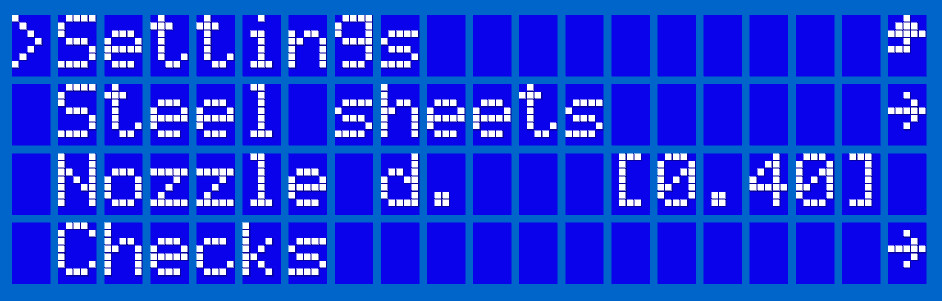
By default, all Original Prusa printers are shipped with the 0.4 mm nozzle. In case you change the nozzle, you can set the correct diameter. The printer will then compare the stored value of the nozzle diameter with parameters saved by our Prusa Slicer in the G-code. If there is a mismatch, the printer is able to inform you and thus prevent a print failure.
Besides checking the nozzle diameter, the printer is now able to check other parameters to warn you about incompatible settings. Before a print starts, the printer will compare parameters stored in the memory with the G-code.
The controller parameters are as follows:
For each you can set three levels of warnings for each controlled parameter:
For an explanation of the other options, please click the linked listings in the menu hierarchy at the top.
6 comments
Hello. You can turn off warnings of this. It will only warn you of what the G-code is sliced for if selected. If your code is sliced for your nozzle, then you should be good. These options are only for what we provide presets for in PS. It will not affect the amount of flow of filament.