


Some processes in your Original Prusa Printer might generate a rare outcome, not included on our red QR code errors or warning screens, and thus give you an error with a blue or black screen and some code on it.
This is commonly known as BSOD (Blue or Black Screen of Death).
Error name: Internal Error
Error code: #31538 (CORE One) #35538 (CORE One L) #26538 (MK4S) #13538 (MK4) #27538 (MK3.9S) #17538 (XL) #21538 (MK3.9) #28538 (MK3.5S) #23538 (MK3.5) #12538 (MINI)
BSOD vs BSOD (FW version 6.5.1 or higher)
Starting from firmware version 6.5.1, the “Blue Screen of Death” becomes the “Black Screen of Death”, still keeping the familiar BSOD acronym.
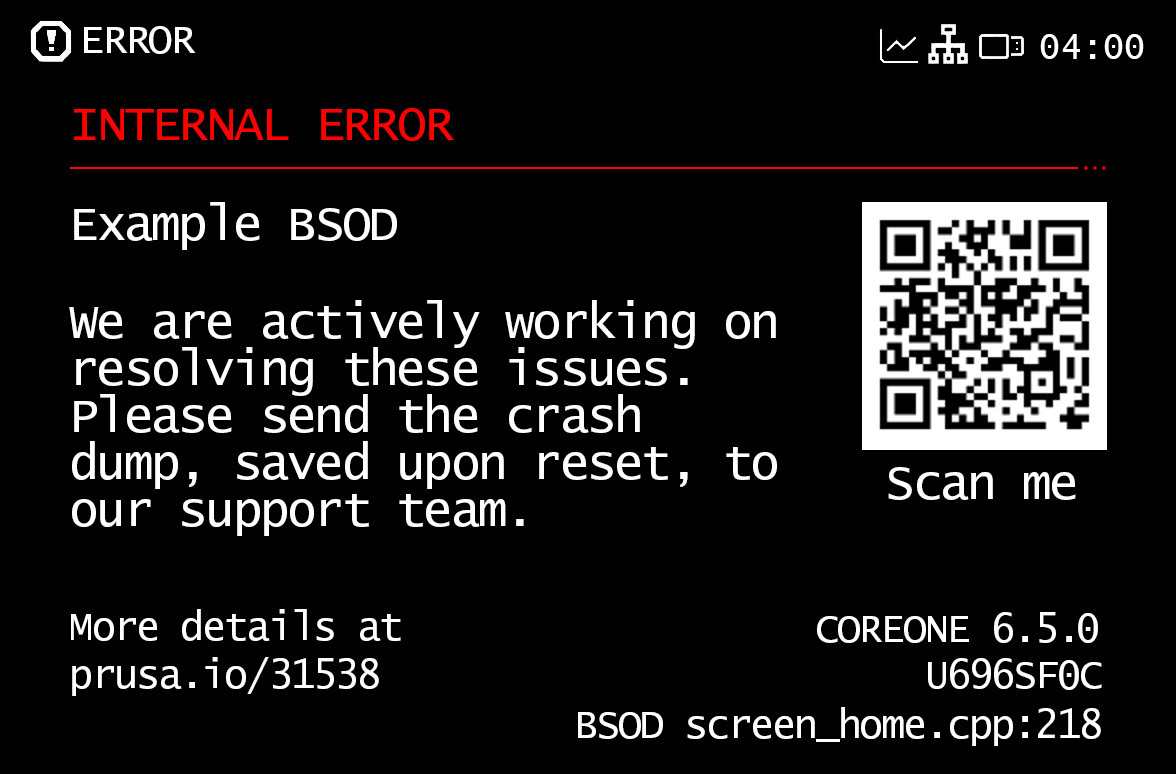 | 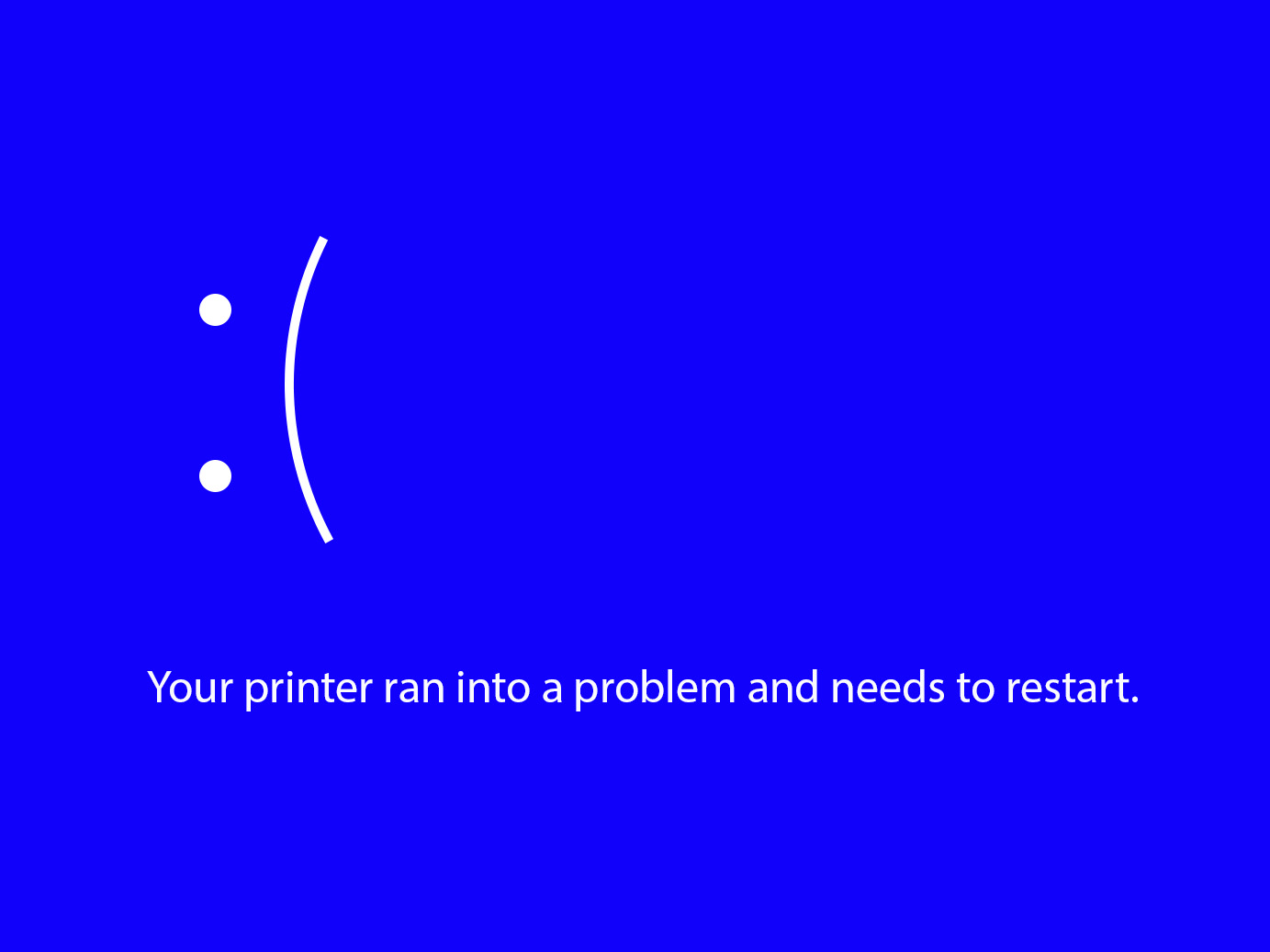 |
| Black Screen of Death | Blue Screen of Death |
Sending files to the printer (USB Drive/Connect)
If the BSOD appears after trying to select a file from the USB, try using another USB drive, or format your drive to FAT32.
If the issue happens when sending a file from Connect, it should be a momentary issue that will go away on its own. If the issue persists, attempt a power cycle, by switching off the printer, and switching it on again.
MMU3
The BSOD might appear after you install your MMU3, or try to flash its firmware. If this happens, switch the printer off, and disconnect the MMU cable(s) from the printer's main board. Check the xBuddy board and the MMU board for visible damage.
Technical Support and Crash Dump
Our technical support is available at any time. Do not hesitate to contact us to report the BSOD.
If requested from our side, with a USB drive inserted into the printer, go into the printer menu to Settings -> System -> Save Crash Dump, and send it to [email protected] so we can check the best way to solve the problem. However, please note that this email address is not for our technical support.
Please follow these guidelines when sending the crash dump.
- Do not share crash dumps publicly, for security reasons.
- Include the following information when sending the crash dump:
- Printer model and serial number.
- Although we expect the printer to be running the most recent firmware, include in the information the firmware version installed on the printer.
- Description of the problem.
- Description of the last few steps before the BSOD occurred, or any steps to reproduce it.
- Let us know if the printer is connected to the network (i.e. PrusaConnect, Octoprint, etc.)
- Let us know if there are third-party components installed on the printer (RPi boards, LED lights, cameras, Bondtech mods, UPS batteries, etc.)
- Additional information if applicable:
- Pictures and/or video of the issue.
- Print files that may help to reproduce a problem in the middle of the print.
17 comments
Pressing the Nextruder 😬
I have noticed for a while since the new firmware that it has difficulty with living with bed.